Never Send That 6-Digit Code — Here's Why
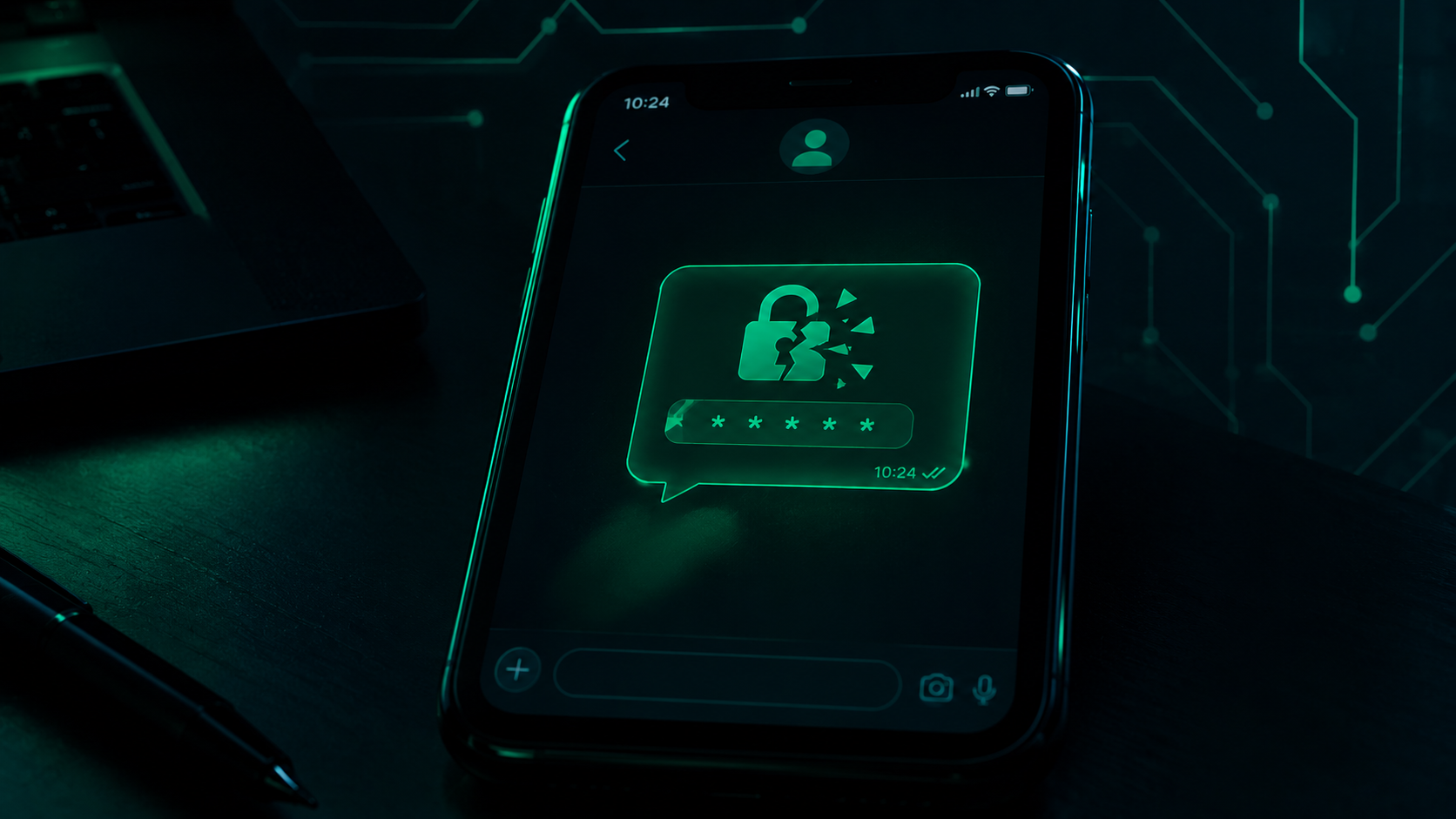
You're scrolling through WhatsApp when a message from a friend pops up: "Hey, sorry, I accidentally sent you a 6-digit code. Can you send it back to me?"
It sounds harmless. Maybe even a little funny, "accidentally" sent you a code? You check your messages, and sure enough, there's a text from WhatsApp with a 6-digit code sitting right there. Your friend is asking nicely. You're just trying to help.
So you send it.
And just like that, your WhatsApp account is gone.
Here's what actually happened: that wasn't your friend. Your friend already lost their own account to a scammer, days or even hours earlier. The scammer, now controlling your friend's account, messaged you using your friend's name and photo. Meanwhile, they were trying to register your phone number on their own device. WhatsApp sent a real verification code to your phone, to stop exactly this. You just handed it over anyway.
This trick has already hijacked thousands of accounts. And it doesn't stop with you, once they have your account, they message your contacts next, using your name and your photo, asking the same innocent-sounding question. It spreads like a chain letter, except every link in the chain is someone's hijacked identity.
By the end of this article, you'll know exactly how this scam works, a newer version of it making the rounds, and the one WhatsApp setting that shuts the whole thing down.
What's actually happening behind the scenes
To understand why this trick works, you need to understand one thing: WhatsApp accounts are tied to phone numbers, not passwords.
When someone wants to set up WhatsApp on a new device using your number, WhatsApp doesn't ask for a password. It sends a 6-digit verification code by SMS to that number, to confirm it's really you. Whoever enters that code gets the account.
That's useful when it's really you setting up a new phone. It's dangerous when it's not.
Here's the actual sequence:
Step 1: A scammer already has access to someone's account, maybe a relative, a classmate, someone in one of your groups. They didn't necessarily hack it in a complicated way. Often, this exact same scam was used on that person first.
Step 2: The scammer, using the stolen account, tries to register your number. They open WhatsApp, enter your phone number, and ask the app to send a verification code, pretending to be you setting up a new device.
Step 3: WhatsApp sends the real code, straight to your phone. This part is completely legitimate. WhatsApp is doing exactly what it's supposed to do, confirming that whoever is trying to register your number actually owns it.
Step 4: The scammer messages you, using your friend's hijacked account, claiming they sent you a code "by mistake" and asking for it back.
Step 5: If you send it, the scammer enters it on their device. Now your number is registered to them. You're logged out. They're logged in as you.
Notice what's clever about this: the code really was sent, by WhatsApp, to your real phone. Nothing about the message itself looks fake. The only lie is who's asking for it, and why.
It's not always the same message
The "I sent you a code by mistake" line is the classic version, but scammers don't stick to one script. A newer version has been spreading too, and it's sneakier because it doesn't ask you for anything directly.
It starts with a link, usually something like "vote for my friend in this contest" or a similar request that feels small and harmless. You tap it to help out. The page that opens looks related to WhatsApp, maybe a verification step, maybe something that looks like part of the voting process.
What's actually happening is different: that flow is quietly walking you through linking your WhatsApp account to a device the scammer controls, using WhatsApp's real "Linked Devices" feature, the same one people use to open WhatsApp on their laptop. Once that device is linked, the scammer can read your conversations and act as you, without ever asking you for a code at all.
Same goal as before, stealing your account, just a different disguise. This is the pattern worth remembering: the specific story changes, but the ask is always some version of "give me access," even when it doesn't look like it. How to protect yourself Good news: this scam has a simple fix, and WhatsApp just made it even stronger.
Never send anyone your 6-digit code. Ever. Not your friend, not your mother, not "customer support." WhatsApp will never ask you to forward a code to another person. If someone is asking for it, even someone you recognize, that's your answer right there.
Turn on Two-Step Verification. This adds a second lock on your account, on top of the code. Even if a scammer somehow gets your 6-digit code, they still can't get in without this. How to turn it on: Open WhatsApp → Settings → Account → Two-step verification → Turn on Set a PIN or password that only you know Add a recovery email, in case you ever forget it
Know about WhatsApp's new upgrade. WhatsApp recently made this protection even tougher. Instead of just a simple 6-digit PIN, you can now set a full password, longer, with letters and special characters, much harder for anyone to guess. Right now, this upgrade is only available on Android, so iPhone users should keep an eye out for it to arrive.
Be careful with links promising something small. "Vote for my friend," "see who viewed your profile," anything like that. If a link takes you somewhere that starts talking about verification or linking a device, close it. Real contests don't need your WhatsApp account to work.
Pause before reacting to urgency. Scammers want you to act fast, before you think. A message that pressures you to respond immediately is one of the biggest warning signs there is. Set up Two-Step Verification today, even if nothing's happened yet. It takes two minutes, and it's the one habit that stops this entire scam cold.
If you've already sent the code
Don't be hard on yourself, this trick is designed to feel completely normal, and plenty of careful people have fallen for it. What matters now is acting quickly.
Try to log back in immediately. Open WhatsApp on your phone and try registering your number again. Sometimes this is enough to kick the scammer out and get a new code sent to you.
If that doesn't work, tell WhatsApp your account was stolen. Send an email to support@whatsapp.com from the email address linked to your account, explaining that your number was taken over. Include your phone number with the country code.
Warn your contacts right away. Call or message people outside WhatsApp, SMS, a phone call, another app, to tell them your account has been compromised. This stops the scam from spreading to them through "you."
If you had Two-Step Verification on before this happened, the scammer will be asked for your PIN too, which they won't have. This is exactly why setting it up now, before anything happens, matters so much.
Once you're back in, turn on Two-Step Verification immediately, so this can't happen again.
Before you go
That message, "sorry, I sent you a code by mistake", isn't a mistake at all. It's one of the simplest, most effective tricks going around right now, because it doesn't feel like a scam. It feels like helping a friend.
Here's the one thing worth remembering: WhatsApp will never need you to send a verification code to anyone, for any reason. Not your friend, not WhatsApp itself, nobody. If a message is asking for that code, the answer is always no.
Take two minutes today and turn on Two-Step Verification. Then send this article to someone, your mum, your cousin, that group chat where everyone shares everything. The next "I sent you a code by mistake" message might land on them next, and now they'll know exactly what it is.
About the author
- Cybersecurity student at UniNiger and founder of Sixtusphere, a cybersecurity digital agency. Writing about practical security concepts — the kind that actually matter, not just the buzzwords.
Comments
Join the discussionNo comments yet. Be the first to comment.